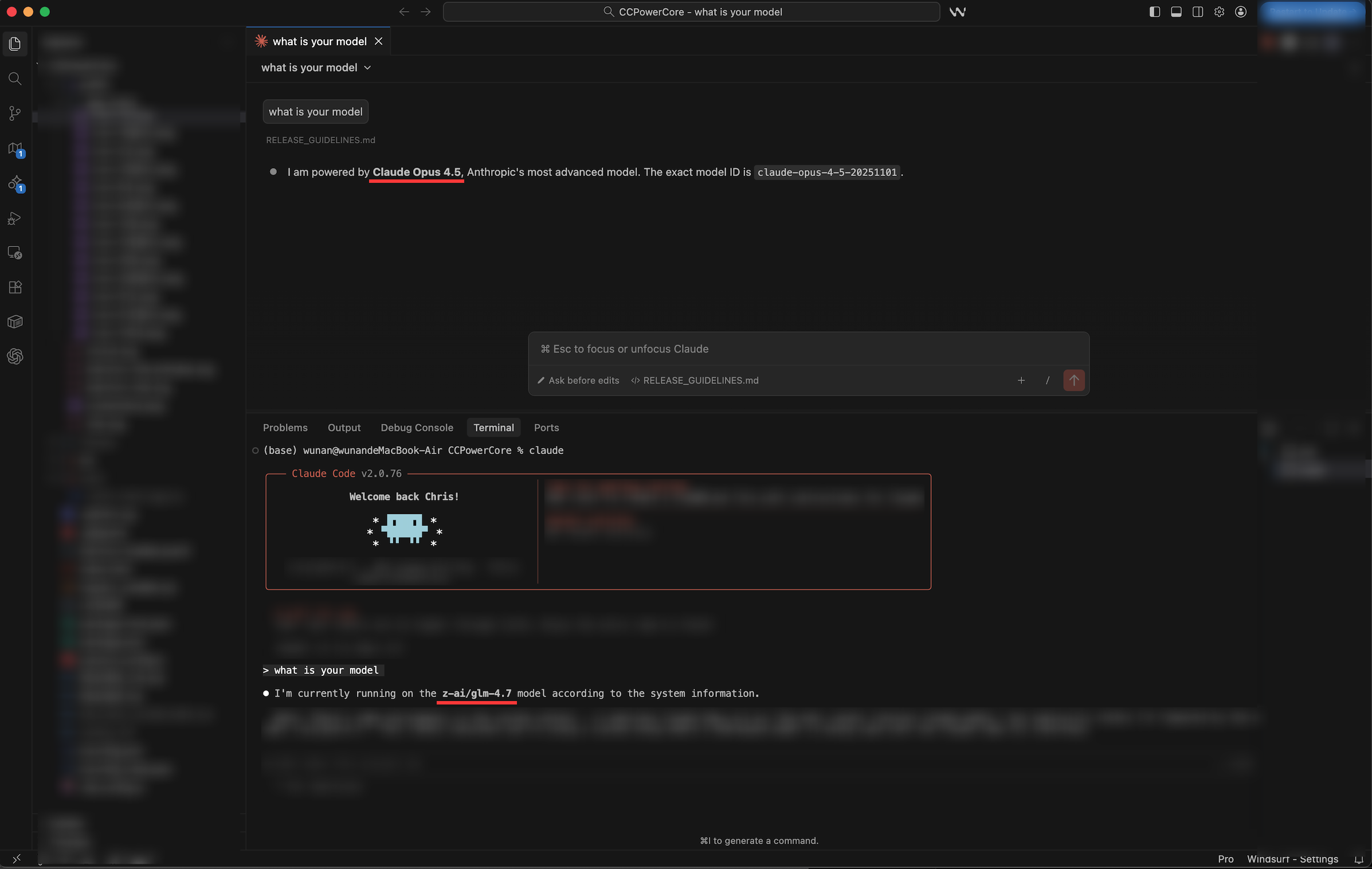
CC POWERCORE
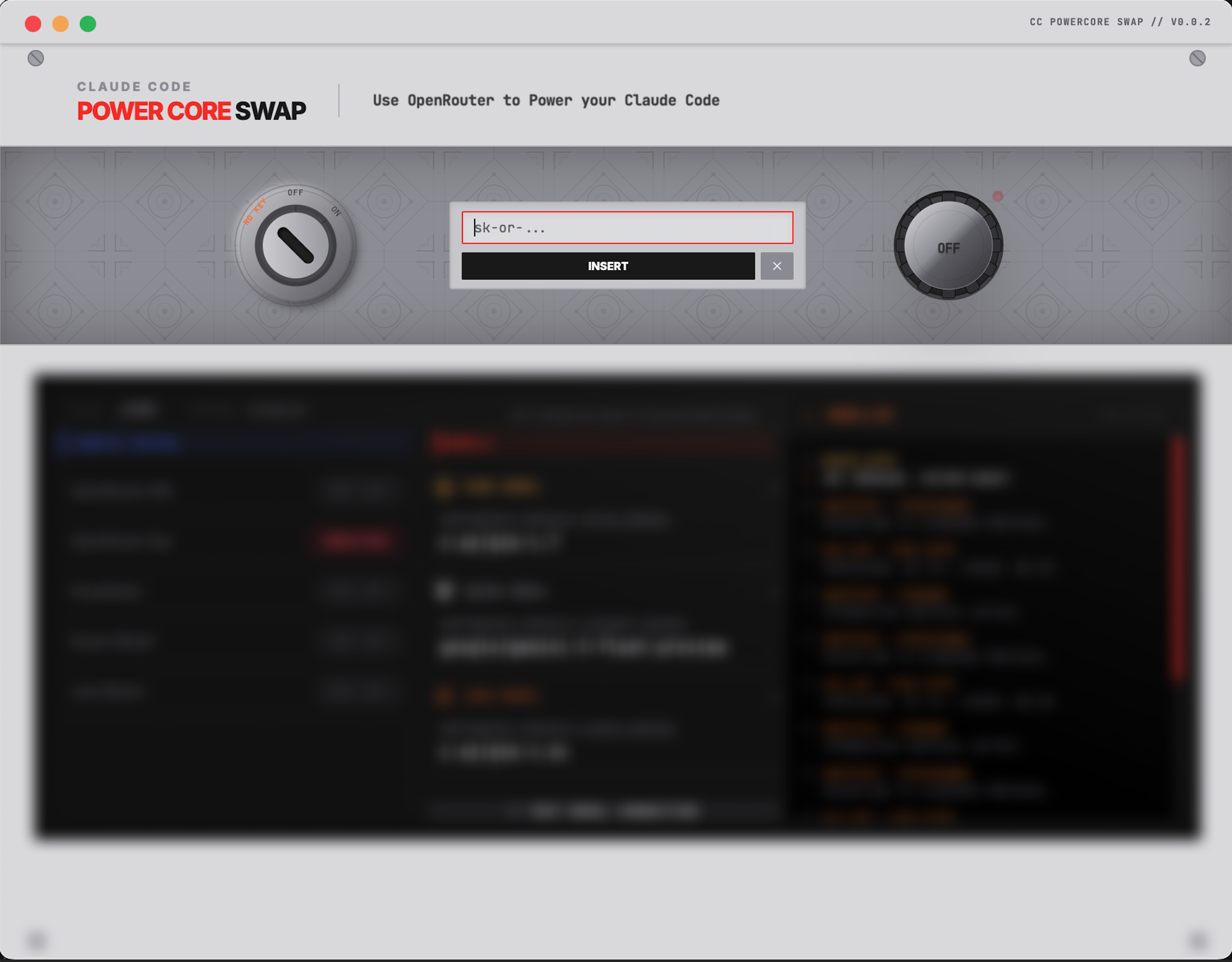
Use OpenRouter to power your Claude Code

Use OpenRouter to power your Claude Code
Insert OpenRouter API Key and view key usage and limit
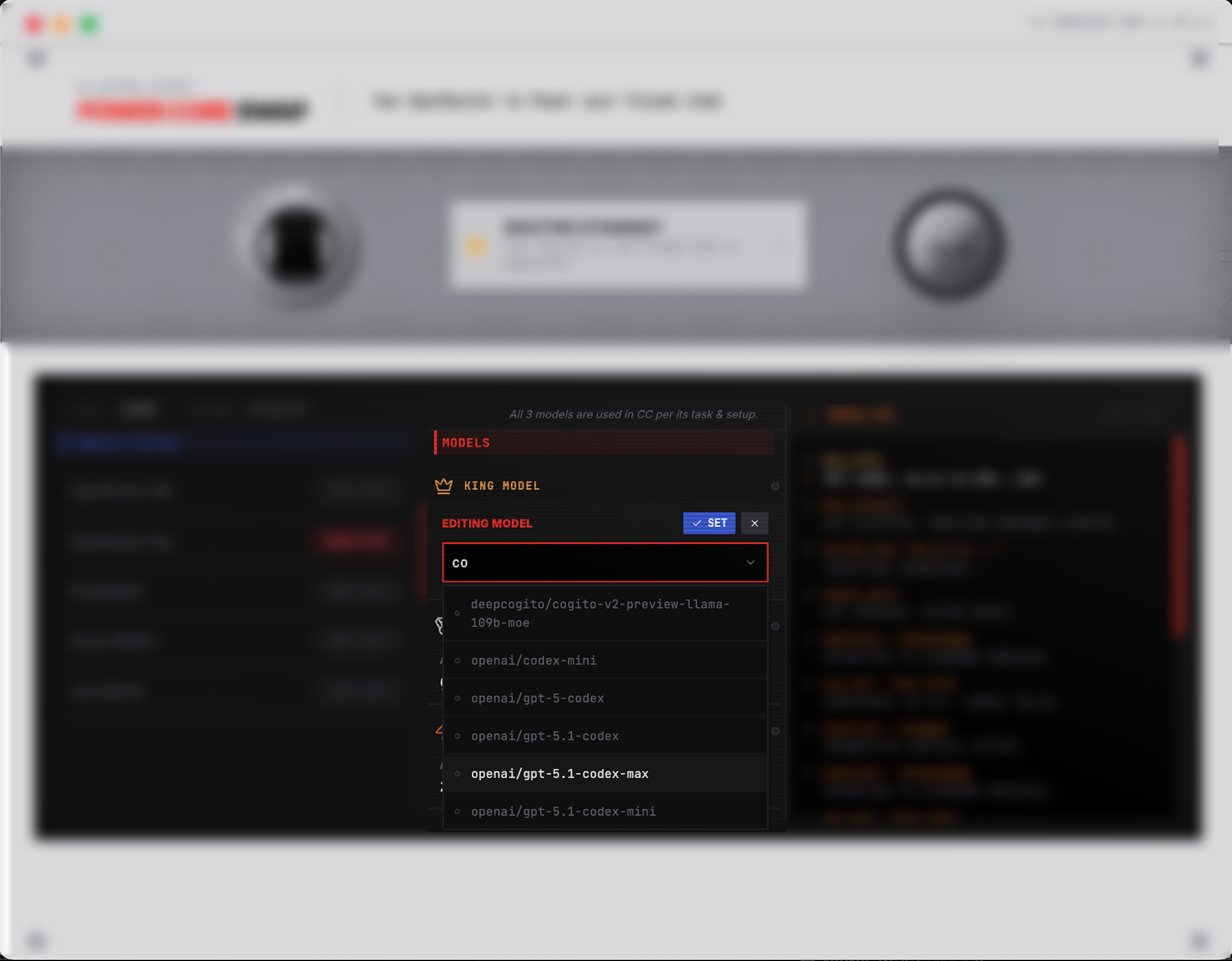
筛选支持代码推理、视觉理解和工具的模型
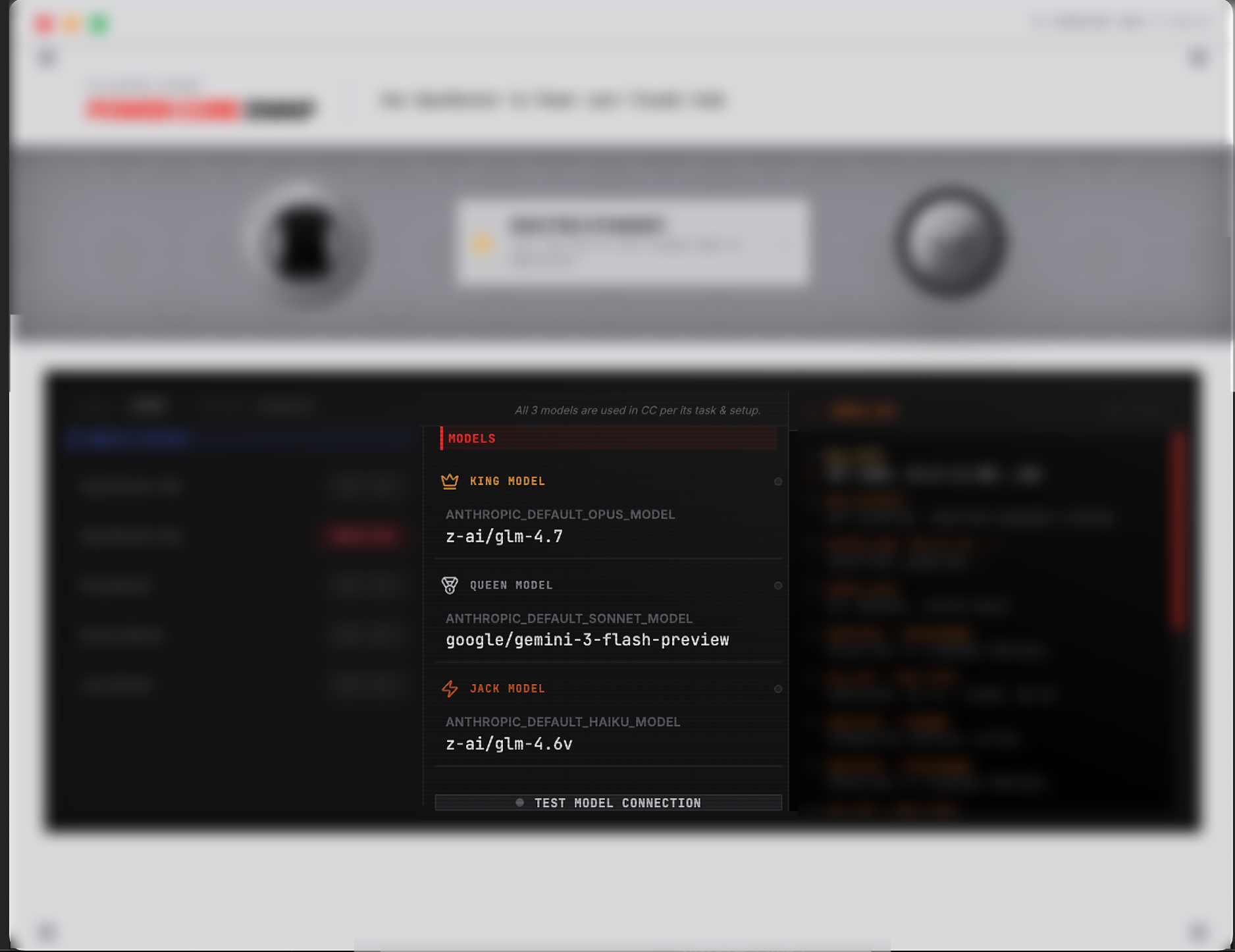
可以为Claude Code设置三个模型,在CLI内切换
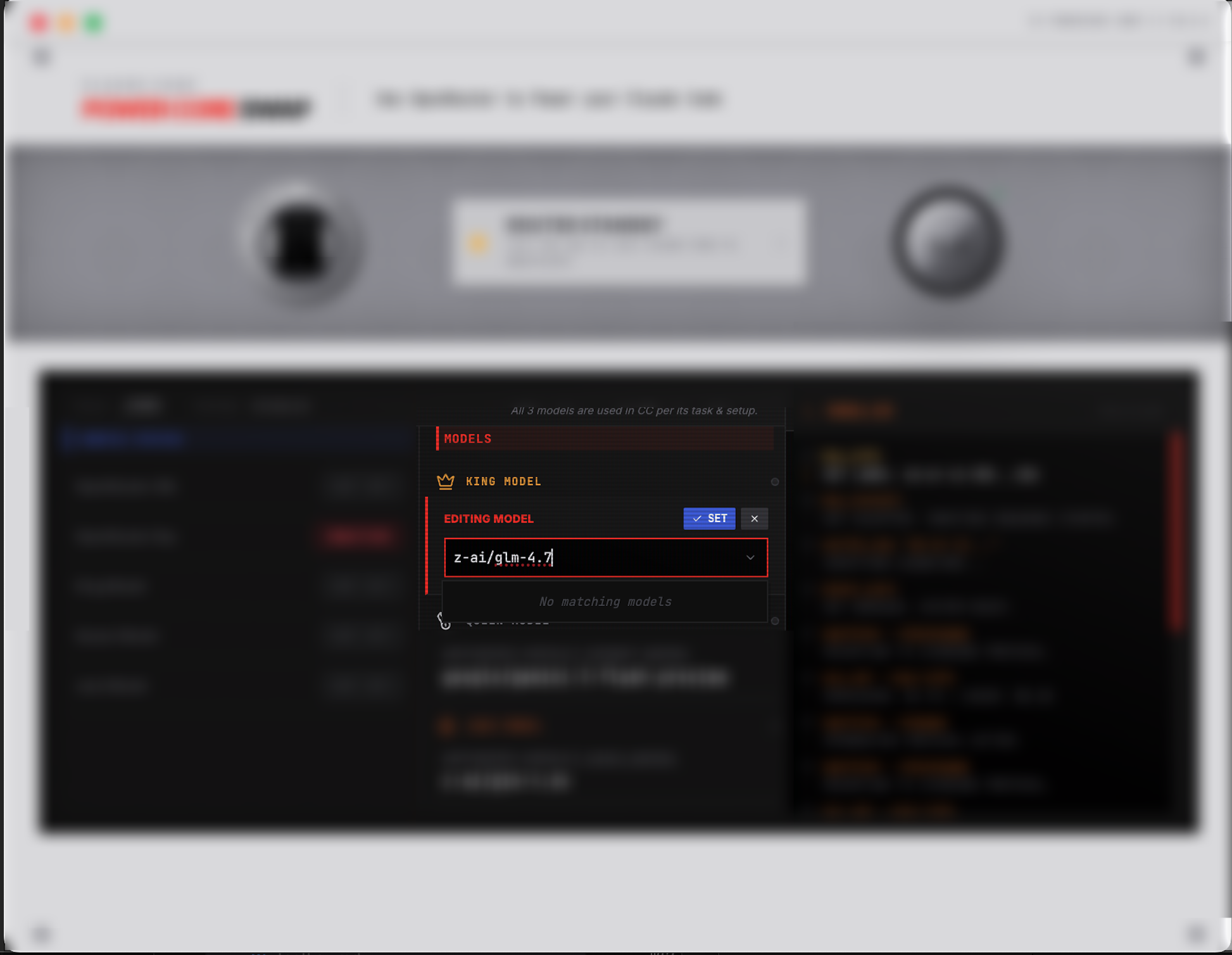
即使列表内没有你要的模型,也可以手工输入
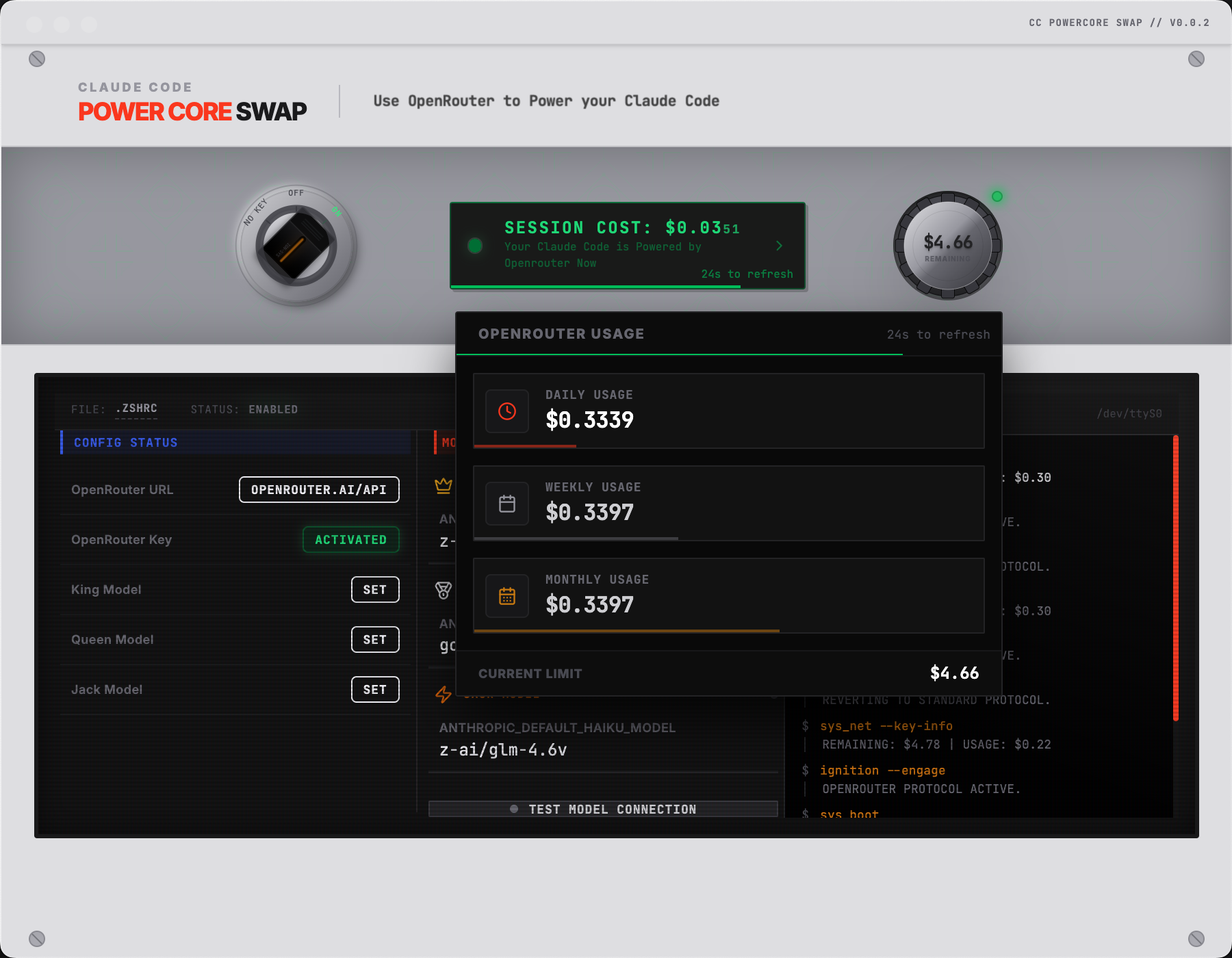
激活后可以查看实时消耗,以及累计消耗的金额
Use Claude Code's /model command to switch models after routing activation

After activating/deactivating routing, open a new terminal OR run
source ~/.zshrc. Routing does not work with IDE plugins.
Run source ~/.zshrc in IDE's integrated terminal then launch Claude Code.
IDE terminal uses OpenRouter while IDE plugin uses native Claude.